

Adobe Photoshop Express brings professional-grade photo editing capabilities directly to your Android device, offering powerful tools for quick enhancements and creative transformations. This mobile solution delivers desktop-level correction features with mobile-friendly simplicity, making it ideal for photographers, social media enthusiasts, and anyone seeking to improve their photos instantly. Whether you’re correcting family snapshots or preparing images for professional presentations, the app provides reliable editing power in a streamlined package.
Professional-Grade Correction Tools
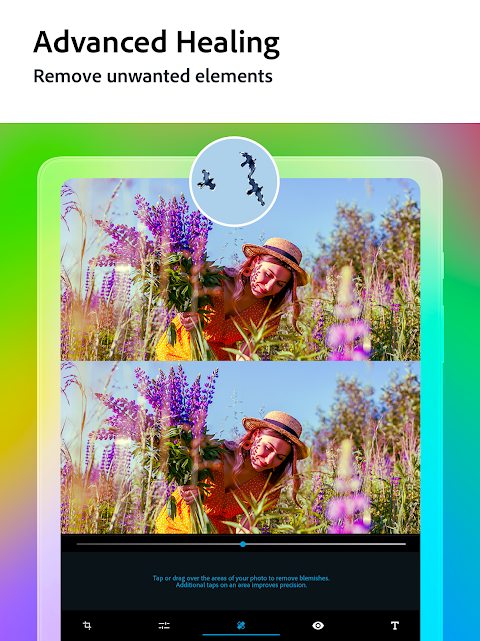
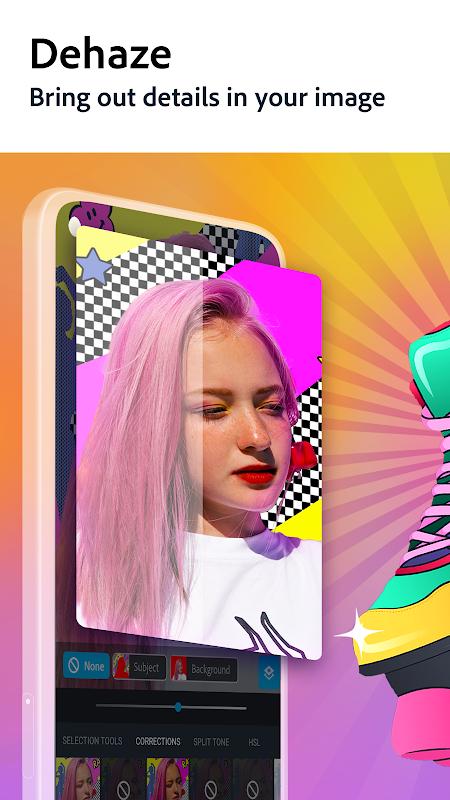
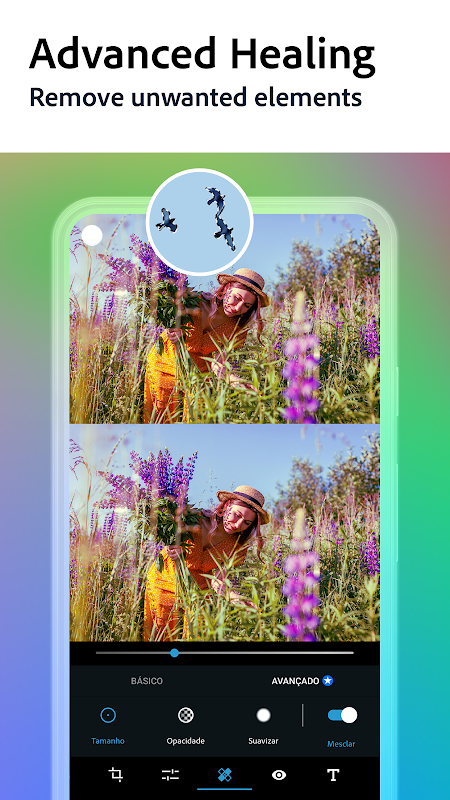
Photoshop Express offers comprehensive adjustment options including exposure, contrast, and white balance controls that rival desktop software. Users can perform precise color corrections and tonal adjustments with simple sliders, ensuring photos look their best in any lighting condition. The healing brush effectively removes blemishes and unwanted objects without leaving traces. These professional tools maintain image quality while providing intuitive mobile operation.
One-Touch Automatic Enhancements
For users needing quick fixes, the app provides intelligent auto-correction that analyzes and improves images instantly. The one-touch enhancement feature automatically adjusts color, contrast, and exposure based on image content. This smart technology helps beginners achieve professional-looking results without technical knowledge. The automatic fixes work particularly well for common issues like underexposed photos or dull colors.
Creative Filters and Effects
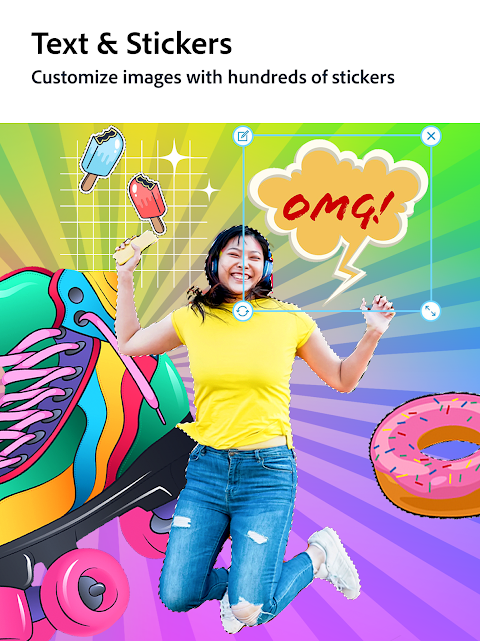
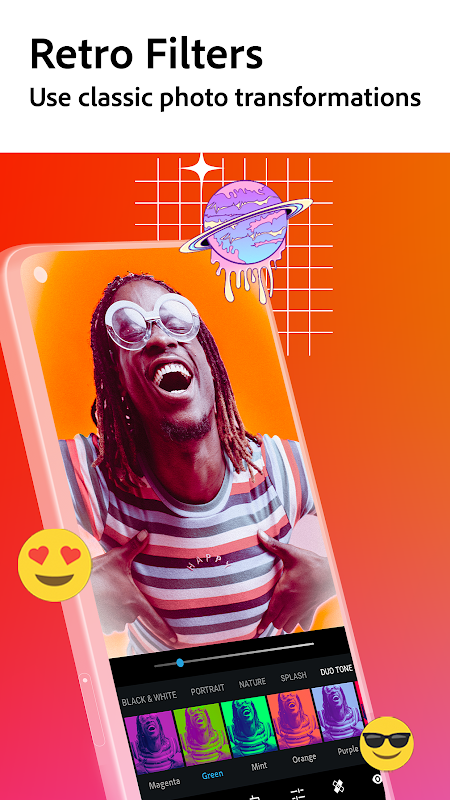
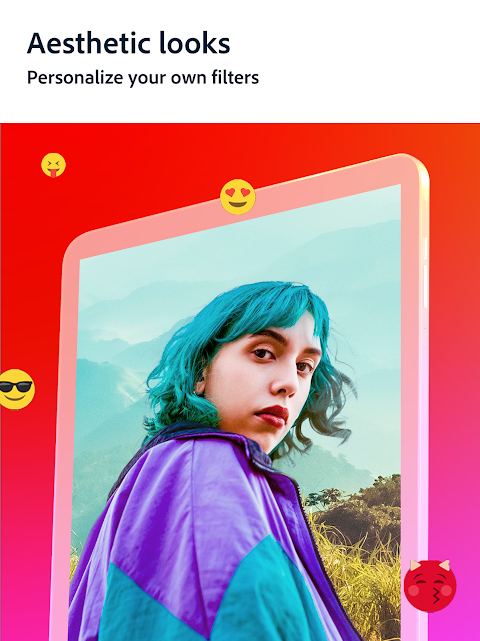
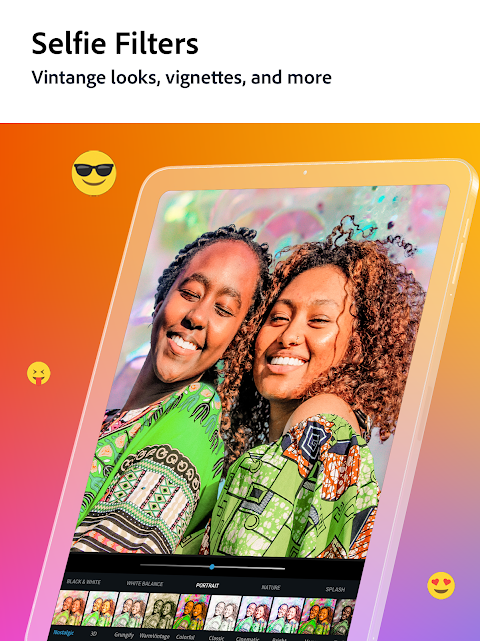
Beyond basic corrections, Photoshop Express includes artistic filters and creative effects that transform ordinary photos into visual statements. The app features premium looks ranging from vintage styles to modern artistic treatments that apply consistent color grading. Customizable borders and frames add finishing touches for social media sharing or print projects. These creative options maintain the high-quality standards Adobe is known for while offering mobile convenience.
Advanced Noise Reduction Technology
Low-light photography often suffers from digital noise that degrades image quality. Photoshop Express incorporates sophisticated noise reduction that cleans up grainy images while preserving important details. This technology specifically targets color noise and luminance noise common in smartphone photography. The result is cleaner, sharper images even when shooting in challenging lighting conditions.
Seamless Cloud Integration
The application integrates with Adobe Creative Cloud, allowing users to access their edited photos across multiple devices. This connectivity ensures your editing projects remain synchronized whether you switch between mobile and desktop. The integration maintains editing layers and adjustments for continued work across platforms. This feature particularly benefits photographers who need flexibility in their workflow.
Batch Processing Capabilities
For efficiency when handling multiple images, Photoshop Express enables batch editing where the same adjustments apply to several photos simultaneously. This saves significant time when processing event photography or product images needing consistent treatment. Users can create custom presets for frequently used editing combinations. The batch feature maintains individual image quality while ensuring uniform results across collections.
Frequently Asked Questions
The app delivers Adobe’s professional imaging technology in a mobile format, offering advanced features like selective editing and noise reduction that many competitors lack while maintaining user-friendly operation suitable for all skill levels.
Most editing functions work offline, though certain premium features and cloud synchronization require internet access. This allows users to edit photos anywhere while maintaining access to advanced tools when connected.
Yes, the app produces high-quality results suitable for professional use, with output quality that maintains integrity for both digital publishing and print materials when starting with good source images.